
What is Little Rally?
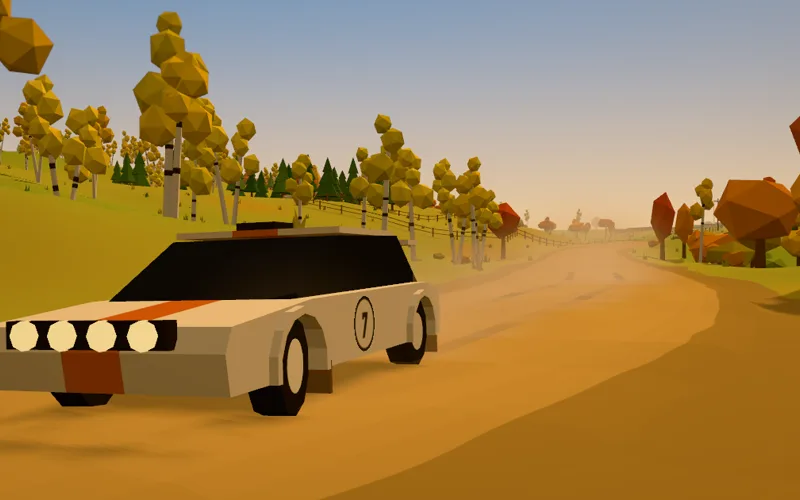
Little Rally is a cozy low-poly browser rally game created by riyad.ing (riyad.ing/little-rally). Built in Three.js for instant browser play, this free online gravel rally game puts you behind the wheel of a lively rear-wheel-drive car on procedurally generated dirt roads—complete with dust plumes, crests, sweeping hairpins, and a co-driver reading pace notes aloud and on screen.
Whether you want to chase clean medal times across Stages 1–12, compete on the Daily stage, or unwind on the Endless road while switching time of day and weather on the fly, Little Rally delivers tactile slide-and-catch driving with zero downloads.
Verified keyboard, gamepad & mobile touch controls
We verified the full control layout directly from Little Rally's in-game bindings and HUD:
Desktop keyboard controls
- Drive & Steer:
W/A/S/Dor Arrow Keys (Upthrottle,Downbrake/reverse,Left/Rightsteer) - Handbrake:
Space(kick the rear out for tight hairpins) - Reset (Back on the road):
R - Camera Angle:
C - Horn:
H - Pause / Menu:
Esc - Quick Shortcuts:
V(co-driver voice),M(sound),B(music),G(ghost),T(gearbox while driving),O(fullscreen) - Endless Road Toggles:
Z(time of day),X(weather),F(Autopilot)
All driving bindings can be remapped inside Settings → Controls.
Gamepad controls
- Steer: Left Stick
- Throttle & Brake: Right / Left Triggers
- Menu Navigation: D-Pad or Stick to move,
Ato open,Bto go back (LB/RBswitch Settings tabs)
Mobile & tablet touch controls
- Left thumb: Tap and hold the
◀and▶steering pads on the lower-left side of the screen. - Right thumb: Use the Gas pedal, Brake beside it (hold to reverse), and Handbrake directly above Gas.
- Top icons: Quick buttons for Camera, Back on the road, and Pause. The gearbox shifts automatically on touch devices. For the best view, tap Fullscreen and rotate your phone to landscape.
Game modes & paddock features reference
| Mode / Area | What You Do | Best For |
|---|---|---|
| Stages 1–12 | Race 12 handcrafted/seeded rally stages with split times and target medals | Chasing clean runs and shaving seconds off personal bests |
| Endless Road | Drive an infinite procedural gravel ribbon with live sky (Z), weather (X), and Autopilot (F) |
Relaxed cruising, drifting practice, and scenic screenshots |
| Daily Stage | One shared procedural stage per day for all players | Quick 2-minute daily rally ritual |
| Garage | Preview and pick different rally cars and paint liveries | Customizing your car's look before heading to the stage |
| Logbook | Review every stage driven, sorted by Recent or Nearest a medal | Spotting which stage is closest to your next medal upgrade |
Gravel drifting & pace note tips
- Set the slide before the apex, not mid-corner. Because Little Rally uses a rear-wheel-drive chassis on loose gravel, tap
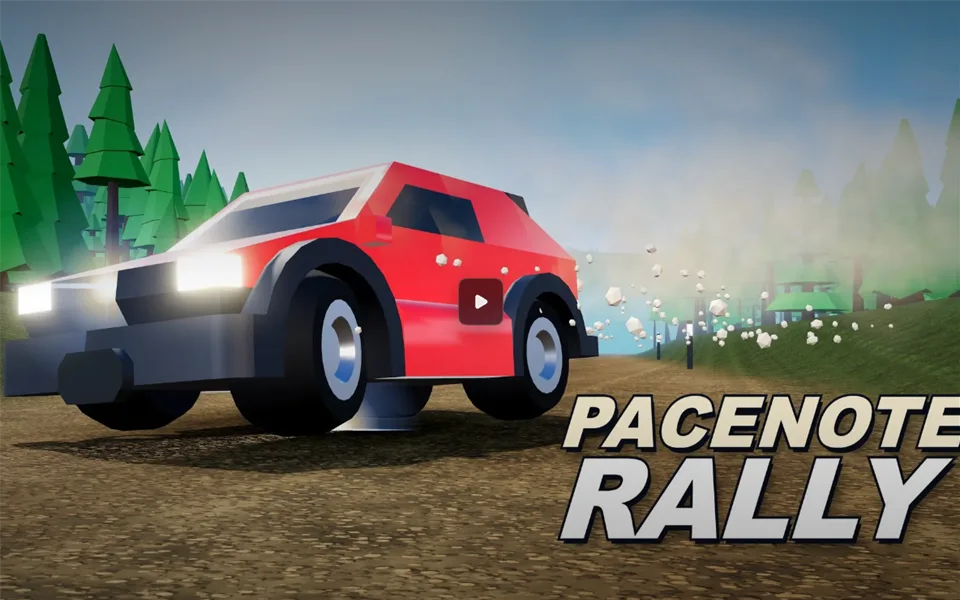
S(or brushSpacefor hairpins) just before turning in so the nose points toward the exit early. - Listen to the co-driver over crests. Crest jumps and autumn tree lines can hide tight bends until the last second. Treat the spoken and on-screen pace notes as your braking cue—similar to how you drive by co-driver calls in Pacenote Rally.
- Feather the throttle on loose exits. Full throttle while the car is still sideways can spin the rear into the ditch. Lift briefly as the car straightens, then get back on the gas once the front wheels line up with the straight.
- Use the Logbook's "Nearest a medal" filter. When hunting medals across Stages 1–12, sort your Logbook by Nearest a medal to jump straight into the stage where a single clean hairpin will unlock your next tier.
- Toggle Endless Road weather for visibility practice. Practice shifting from golden-hour gravel to misty morning, snow, or night conditions with
ZandXin Endless Road before attempting harder stages.
Player source & backup access
This page embeds the official browser build hosted by riyad.ing (riyad.ing/little-rally/). If WebGL takes a moment to initialize or your network restricts third-party frames, click Retry player or use Open on riyad.ing below the stage to play directly on the developer's site.